



Gamblerina Mobile Platform
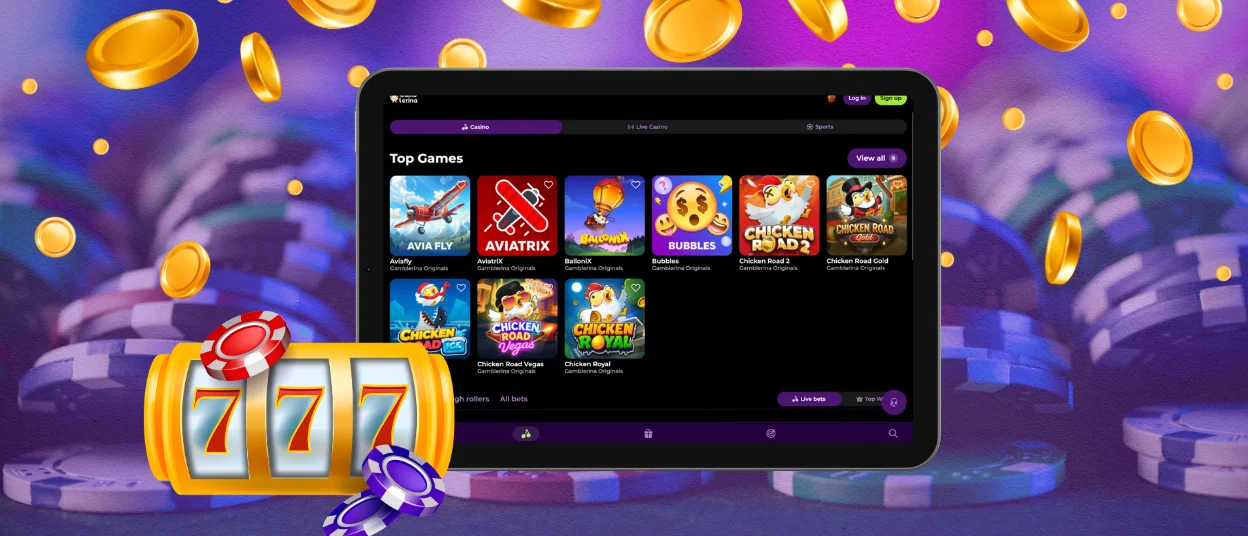
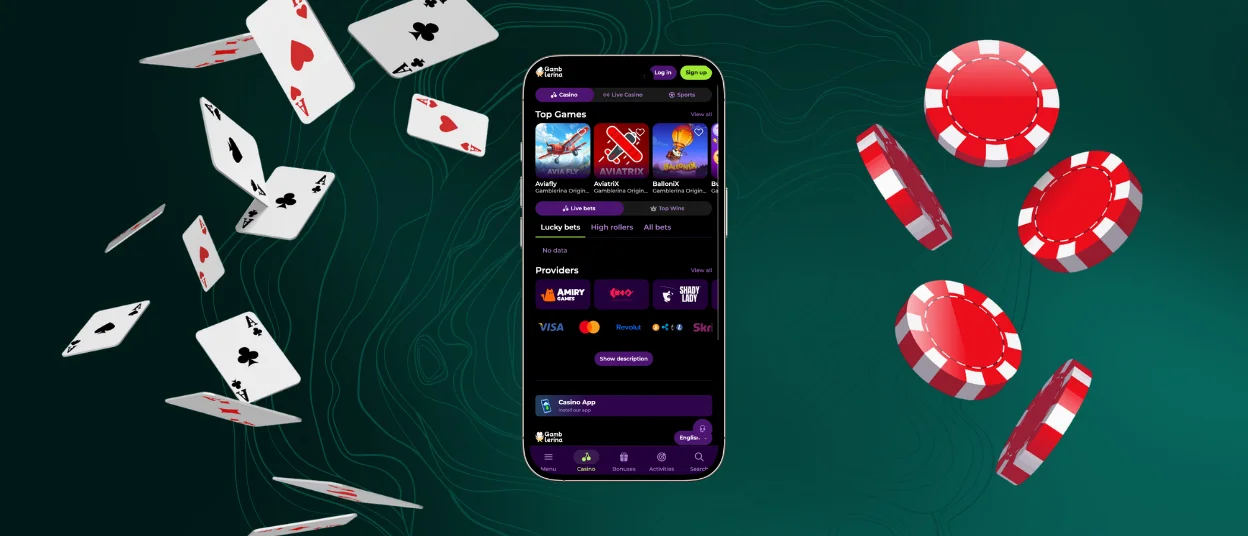
To make your access to our online casino faster and more comfortable, we developed the Gamblerina app for Android, Windows and iOS. Our clients can download the application from our website on any device they want. Same interface, same functionality, and no need to wait until you get to your desk to play online slots and other genres from our game collection.



Using Gamblerina on Mobile
It’s always great to have an alternative, so Gamblerina Casino developed a progressive web application (PWA) to give our clients the option to play on whichever device they prefer. You don’t have to be tied to a PC or laptop. Users can easily add the Gamblerina app from our website to their mobiles or tablets and play whenever they have time and an internet connection.
The functionality of the Gamble Rina Casino application on mobile remains the same as the website. Some things are even better. Here’s the table with the main mobile casino app features.
| App Feature | Details |
| Full casino lobby | The library of 6,000 games is fully available in the mobile version of Gamblerina Casino. Your gaming experience will not change from that of playing on a PC or laptop. |
| Personal profile | You can sign in on your mobile device and have access to all account features here. The Gamble Rina profile data synchronizes across your devices, so users can easily manage their personal details and other settings from their phone or tablet. |
| Security | The Gamblerina app runs through the web, so our security and encryption measures from the site are also working here. On mobile devices, you can also set up password or fingerprint access to the app for added security. |
| Notifications | Players can enable push notifications in the Gamble Rina app to receive promotion news and reminders on their home screen. |
| Live chat | Our customer support team is also available in our app 24/7, and you can easily contact us from any device. |
| Touch controls | We optimized our application for mobile and all screen sizes, with fully functional touch controls. |
Gamblerina Android Mobile App
You can easily install the Gamblerina Casino PWA on your Android. Unlike APKs, PWAs don’t require downloading from the Google Play Store or manual installation. You can get our app on your mobile phone by following a few simple steps:
- Open our official website in any browser on your phone.
- Next, tap the three vertical dots next to the address bar.
- Find the “Add to home screen” option.
- Tap “Add” to create an icon on your home screen.
If you don’t want extra icons cluttering your screen, you can skip creating this shortcut and just keep playing directly in your browser. Our platform is fully optimized for mobile screens.
Gamblerina iOS Mobile App
There is no difference between launching our platform on Android and iOS. Players can follow the same steps we described earlier to install our app on their iPhone or iPad.
Using the Gamblerina app on iOS is completely safe. We use anti-bot systems and payment data tokenization to protect your financial transactions.
You can try out our various instant wins, table games, and other genres and easily withdraw your prize money right from your phone. If you are a new user and haven’t completed the verification process yet, you’ll need to do so before withdrawing your winnings for the first time. You can confirm your identity with your ID card or passport and a bank statement or receipt to verify your payment details.
Windows and macOS Applications
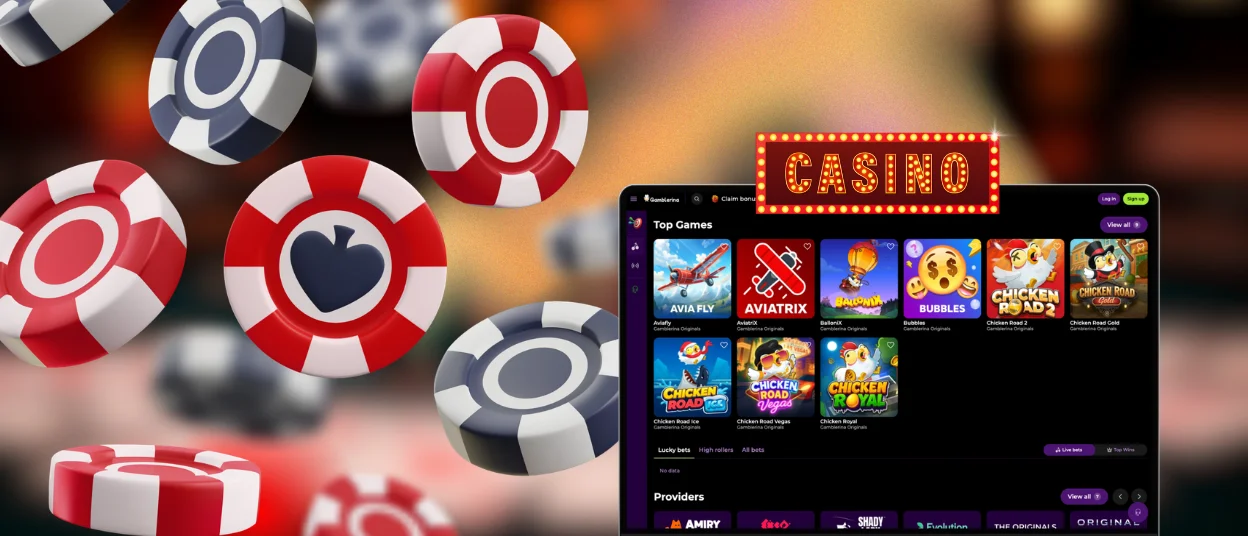
The Gamble Rina Casino works in any modern browser and runs flawlessly on Windows and macOS. You can install our PWA app as easily and quickly as on mobile.
To do this, simply locate the browser address bar and click the icon showing a screen with a downward arrow. A brand icon will appear on your device’s home screen. Now you can open Gamblerina Casino directly from there. If you have any trouble installing our PWA, please contact our support team.
We want our players to be able to easily switch between their preferred devices. However, please keep in mind that, as part of our fraud prevention measures, your account can only be active on one device at a time. To switch to mobile from PC and vice versa, you’ll need to log out of your account and log back in from the device you plan to use at the moment.
FAQ
Is creating an account required to use the Gamble Rina app?
If you already have an account on our platform, you don’t need to make a separate one to use the app. New players can use our mobile casino even without a profile, but then you will only be able to play demo versions of the games. To access real-money bets and the full functionality of our platform, you need to sign up.
Can I install the Gamblerina app outside official app stores?
You can install our application only from the Gamblerina Casino official website. We have not published our application on the App Store, Google Play, or any other app market platform.
How can I update the app?
Users don’t need to do anything themselves or download any additional software. The Gamblerina app updates automatically in the background whenever we update the website. This means you’ll always have the latest version of our casino on your devices.


